
PDF to LaTeX
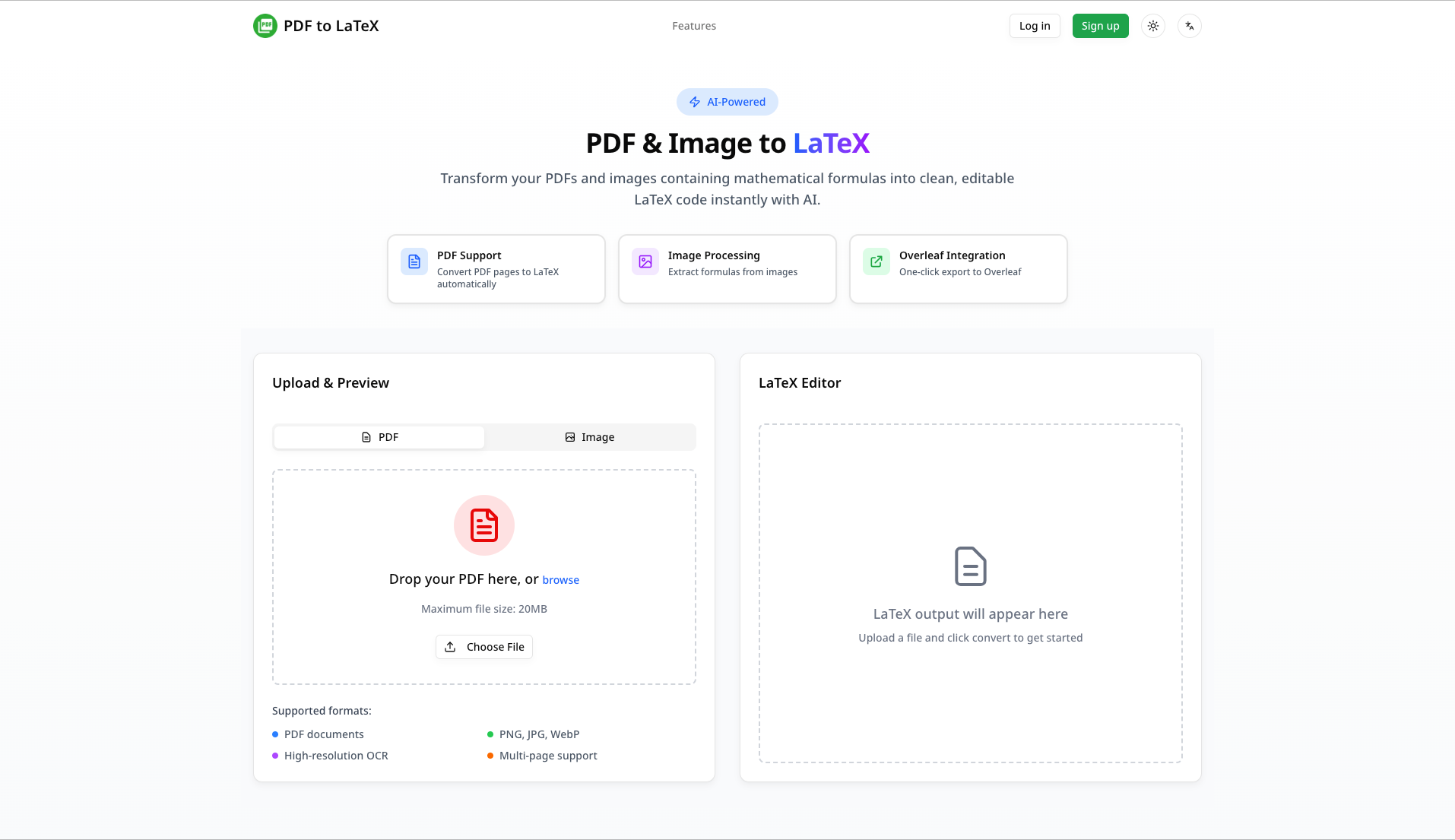
Transform your PDFs and images into LaTeX code instantly. AI-powered conversion with 95%+ accuracy. Real-time streaming, direct Overleaf export, and handwritten formula recognition.
PDF to LaTeX Introduction
PDF to LaTeX is an AI-powered document conversion platform that transforms PDFs, images, and handwritten notes into clean, editable LaTeX code. Designed for students, researchers, and professionals, it enables seamless conversion of academic documents while maintaining original formatting and mathematical accuracy.
Key Tagline: Transform your PDFs and images into LaTeX code instantly with AI-powered precision
Primary Use Cases:
- Converting scanned papers and textbooks to editable LaTeX
- Extracting mathematical formulas from documents
- Digitizing handwritten notes and equations
- Batch processing multiple documents for research projects
- Creating Overleaf-ready documents for collaborative writing
PDF to LaTeX Core Features
1. Intelligent PDF Recognition
- Multi-page Processing: Handle PDFs with multiple pages in a single conversion
- Comprehensive Detection: Automatically identifies formulas, tables, images, and text
- Advanced OCR Technology: Preserves original formatting and layout with 95%+ accuracy
- Smart Layout Analysis: Understands document structure and maintains proper spacing
2. Precision Formula Extraction
- Advanced ML Algorithms: Machine learning-powered formula recognition
- Complex Formula Support: Handles inline formulas, multi-line equations, matrices, integrals, and special mathematical symbols
- Symbol Recognition: Recognizes Greek letters, mathematical operators, and scientific notation
- Accuracy Rate: Achieves 95%+ conversion accuracy for clear documents
3. Seamless Overleaf Integration
- Real-time Streaming: Get conversion results as they're being processed
- One-click Export: Export directly to Overleaf with a single click
- Direct Download: Download as .tex files for use in any LaTeX editor
- Collaboration Ready: Enable immediate collaborative editing on Overleaf
4. Handwritten Notes Recognition
- AI-powered OCR: Convert handwritten mathematical formulas to LaTeX
- Multi-source Support: Process photos, screenshots, and scanned documents
- Searchable Output: Make handwritten notes searchable and editable
- Quality Handling: Works with both neat and messy handwriting
5. Additional Tools & Features
- LaTeX Table Generator: Visual WYSIWYG editor for creating LaTeX tables with Booktabs support
- LaTeX Symbols Reference: Comprehensive guide and search for mathematical symbols
- Batch Processing: Convert multiple pages and images efficiently
- Cloud History: Access your conversion history (7-90 days depending on plan)
- File Management: Organize and manage your conversions
- Export Options: Download as .tex, PDF, or export to Overleaf
6. Supported Elements
- Formulas: Inline and display equations, complex mathematical expressions
- Tables: Data tables, scientific tables, matrices
- Images: Embedded images, figures, diagrams
- Text: Paragraphs, sections, lists, formatting
- Special Content: Headers, footnotes, citations
PDF to LaTeX Usage
Getting Started
-
Create an Account
- Sign up with email or Google OAuth
- Verify your email address
- Opt-in to newsletter for updates (optional)
-
Access the Dashboard
- Navigate to your personal dashboard
- View your conversion history and remaining quota
- Check your current plan and usage statistics
Basic Conversion Process
-
Upload Your Document
- Click "Upload" or drag-and-drop your file
- Supported formats: PDF, PNG, JPG, JPEG, WebP
- Recommended file size: Under 20MB for optimal performance
-
Select Conversion Options
- Choose single or batch processing
- Select output format (LaTeX, PDF, Overleaf)
- Configure any specific requirements
-
Review Results
- Preview converted LaTeX code
- Check formula accuracy and formatting
- Make any necessary edits
-
Export Your Results
- Download .tex file to your computer
- Export directly to Overleaf for editing
- Save to cloud history for future reference
Advanced Features
Batch Processing:
- Upload multiple files at once
- Process multiple pages from a single PDF
- Bulk download all conversions
Overleaf Direct Export:
- One-click project creation in Overleaf
- Automatic setup for collaborative editing
- Real-time compilation preview
LaTeX Table Generator:
- Open the table generator tool
- Create your table using the visual editor
- Configure columns, rows, and styling
- Copy or download the LaTeX code
Symbols Reference:
- Search for mathematical symbols by name
- View corresponding LaTeX code
- Copy to clipboard for quick insertion
Best Practices
- Clear Documents: Ensure PDFs are clear and well-scanned for best accuracy
- File Organization: Use meaningful file names for better organization
- Preview Before Export: Always review converted code for accuracy
- Large Documents: Split very large PDFs into smaller parts for processing
- Handwritten Content: Take clear photos with good lighting for handwriting recognition
Troubleshooting
- Low Accuracy: Check document quality, ensure good contrast and resolution
- Conversion Timeout: Split document into smaller files
- Formatting Issues: Review and manually adjust LaTeX code as needed
- Export Problems: Verify file format and browser compatibility
PDF to LaTeX Price
Subscription Plans
| Feature | Free | Starter | Pro | Lifetime |
|---|---|---|---|---|
| Monthly Cost | $0 | $4.99 | $6.99 | N/A |
| Annual Cost | $0 | $49.99 | $59.99 | $199.00 |
| Pages Per Month | 20 | 500 | 1,500 | Unlimited |
| Conversion Limit | Limited | Higher | Unlimited | Unlimited |
| Overleaf Integration | ✓ | ✓ | ✓ | ✓ |
| Cloud Storage | 7 days | 30 days | 90 days | Unlimited |
| Email Support | - | 48 hours | 24 hours | Priority |
| Additional Fee | - | $0.01/page over limit | Included | N/A |
| Storage Capacity | Limited | 10GB | 50GB | 100GB |
| Custom Branding | No | No | No | Yes |
Plan Details
Free Plan
- Perfect for trying out the service
- 20 pages per month
- 7-day conversion history
- Standard conversion speed
- Community support via email
Starter Plan ($4.99/month or $49.99/year)
- Great for occasional users
- 500 pages per month
- 30-day conversion history
- Priority conversion queue
- Email support (48-hour response)
- 10GB cloud storage
- $0.01 per additional page
Pro Plan ($6.99/month or $59.99/year)
- Ideal for regular users and students
- 1,500 pages per month
- 90-day conversion history
- Fastest conversion speed
- 24-hour email support
- 50GB cloud storage
- Includes all features
Credit-Based Pricing
For flexible pay-as-you-go usage:
| Package | Credits | Price | Price Per Credit |
|---|---|---|---|
| Basic | 100 | $4.99 | $0.0499 |
| Standard | 300 | $9.99 | $0.0333 |
| Premium | 1,000 | $24.99 | $0.0250 |
Credit Usage:
- 1 page = approximately 1 credit
- Complex documents may use more credits
- Credits never expire
- Can combine subscription and credits
Payment Methods
- Credit card (Visa, Mastercard, American Express)
- Creem payment processor for secure transactions
- Monthly and annual billing options
- Money-back guarantee for unsatisfied customers
Upgrade & Downgrade
- Change plans anytime
- Prorated billing for mid-cycle changes
- No cancellation fees
- Pause or cancel subscription anytime
PDF to LaTeX FAQs
General Questions
Q: What is PDF to LaTeX? A: PDF to LaTeX is an AI-powered service that converts PDFs, images, and handwritten notes into clean LaTeX code. It's designed for students, researchers, and professionals who need to convert documents for academic writing.
Q: Who should use PDF to LaTeX? A: Students writing theses, researchers digitizing papers, academics preparing manuscripts, anyone converting documents to LaTeX format, people with handwritten notes needing digitization.
Q: Is my data secure? A: Yes. All files are encrypted during upload and transmission. Files are automatically deleted within 24 hours. We comply with GDPR and data protection regulations.
Technical Questions
Q: What file formats are supported? A: We support PDF, PNG, JPG, JPEG, and WebP formats.
Q: What's the maximum file size? A: Recommended maximum is 20MB. Larger files may take longer to process. For very large documents, consider splitting them.
Q: How accurate is the conversion? A: We achieve 95%+ accuracy for clear, well-scanned documents. Accuracy depends on document quality, font clarity, and formula complexity.
Q: Can you convert handwritten notes? A: Yes! Our AI can recognize and convert handwritten mathematical formulas and notes to LaTeX code with high accuracy.
Q: What LaTeX elements can be converted? A: We support formulas (inline and display), tables, text, images, headers, lists, and special mathematical symbols.
Q: Can you handle multi-page PDFs? A: Yes, we can process multi-page PDFs. You can convert all pages or select specific pages.
Overleaf Integration
Q: How does Overleaf integration work? A: After conversion, you can export directly to Overleaf with one click. This creates a new project with your converted LaTeX code ready for editing.
Q: Can I edit the converted code? A: Yes! The converted code is fully editable. You can modify it in Overleaf, download it as a .tex file, or edit it in any text editor.
Q: Is the export to Overleaf automatic? A: The initial export is automatic and one-click. The code is ready to use and compile in Overleaf immediately.
Conversion Quality
Q: Why is my conversion not accurate? A: Accuracy depends on:
- Document quality and resolution
- Font clarity and contrast
- Formula complexity
- Image quality
For best results, use clear, well-scanned documents.
Q: Can you improve conversion accuracy? A: We're continuously improving our AI models. You can also:
- Use higher resolution scans
- Ensure good lighting for photos
- Split complex documents
- Provide feedback on accuracy issues
Q: What if the conversion has errors? A: You can manually edit the LaTeX code. All converted code is fully editable. Use our LaTeX Symbols Reference for help.
Support & Assistance
Q: How do I get support? A: Email support is available at [email protected]
- Free plan: Standard email support
- Starter plan: 48-hour response
- Pro plan: 24-hour response
- Lifetime plan: Priority dedicated support
Q: Is there documentation available? A: Yes, we have comprehensive documentation, FAQs, blog tutorials, and a LaTeX Symbols Reference guide.
Q: Can I suggest features? A: Absolutely! Contact us with feature suggestions. We actively listen to user feedback.
Alternatives to PDF to LaTeX
View More Alternatives
Cursor
The AI Code Editor, Built to make you extraordinarily productive, Cursor is the best way to code with AI.
GitHub Copilot
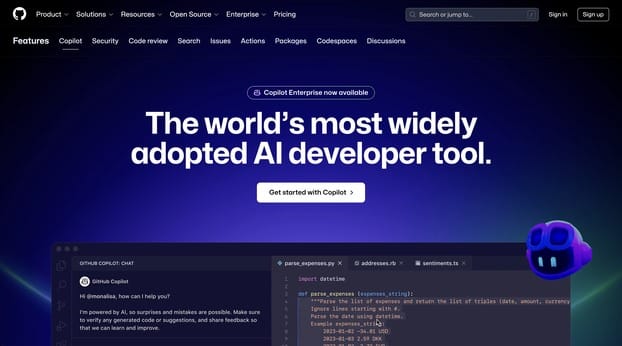
GitHub is where people build software. More than 100 million people use GitHub to discover, fork, and contribute to over 420 million projects.

AI Coding Assistant
Amazon Q Developer is an expert on patterns in the AWS Well-Architected Framework, best practices, documentation, and solution implementations, making it easier and faster for you to explore new services and capabilities, learn unfamiliar technologies, and architect solutions.
Codeium
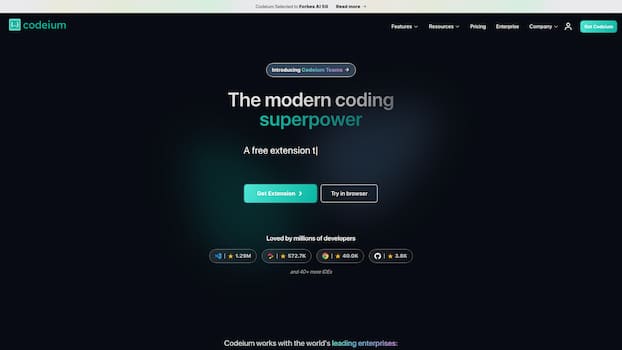
Codeium offers best in class AI code completion, search, and chat — all for free. It supports over 70+ languages and integrates with your favorite IDEs, with lightning fast speeds and state-of-the-art suggestion quality.

Notion AI
Get answers to your urgent questions, using info across your wiki, projects & docs.

Canva
Canva is a free-to-use online graphic design tool. Use it to create social media posts, presentations, posters, videos, logos and more.
PDF.ai
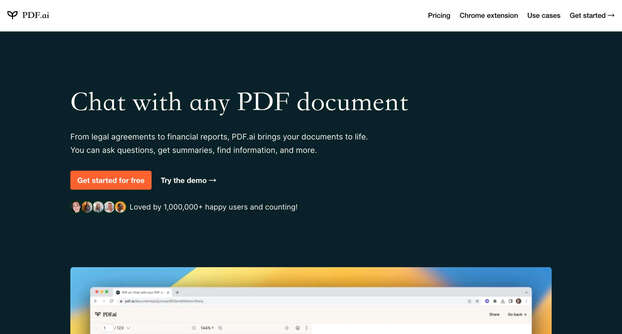
We built the ultimate ChatPDF app that allows you to chat with any PDF: ask questions, get summaries, find anything you need!

Monica
Monica integrates top AI models (GPT-4, Claude 3, Gemini) for one-click chat, search, writing, coding and more. Try it on Chrome, Edge, or our APP.

AskYourPDF
We built AskYourPDF as the only ChatPDF AI App you will ever need. Easily upload your PDF files and engage with our intelligent chat AI to extract valuable insights from your documents.