Debugg AI
DebuggAI is an AI QA engineer that automatically tests every new code change. It reviews your commits, spins up a real browser, runs end-to-end user flows, detects breakages, and posts results directly in GitHub — no setup, no test writing, zero config. Teams ship faster with fewer bugs because DebuggAI handles the QA work engineers don’t have time for.
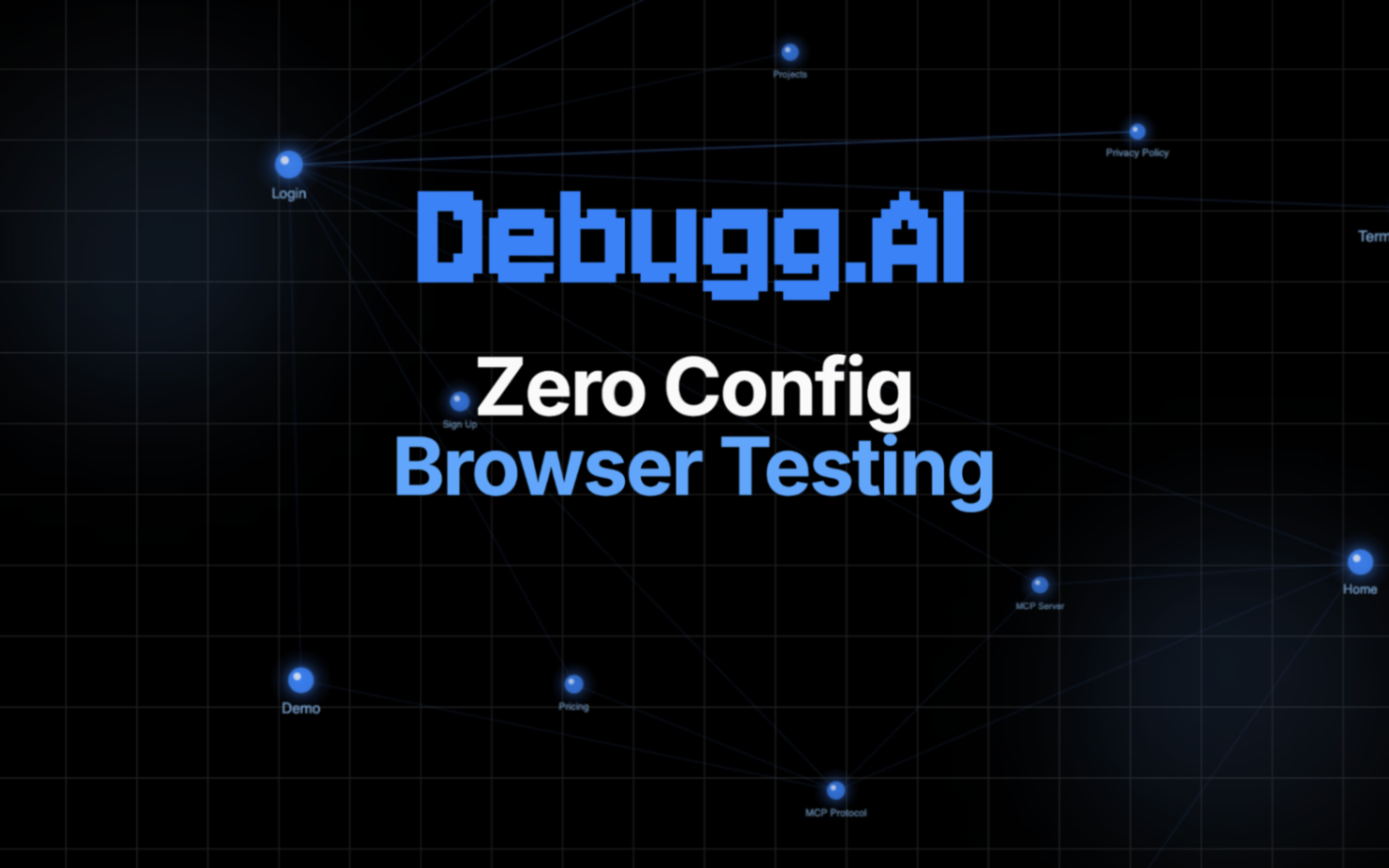
DebuggAI is an autonomous QA engineer that integrates directly into your development workflow and automatically tests every code change—without requiring any test setup, selectors, or configuration.
Whenever you open a pull request or push a commit, DebuggAI:
- Understands the code change
It analyzes the diff, dependencies, routes, UI components, and affected user paths. From this, it predicts how a real user would be impacted and generates targeted browser test plans.
- Spins up real, isolated browsers
Using a scalable remote browser grid, DebuggAI launches fresh Chrome/Edge sessions on demand. Each test runs in a clean environment, simulating true user interactions: clicking, form filling, navigation, network requests, authentication, and responsive behaviors.
- Executes end-to-end tests automatically
It performs real user journeys — not synthetic scripts — driven by an AI agent fine-tuned on thousands of UI patterns, DOM changes, and interaction flows.
DebuggAI detects:
Broken UI and layout regressions
Flaky or missing interactions
Page load issues and console errors
API failures and server regressions
Mismatched states and UX-breaking edge cases
Auth/session bugs
Cross-browser inconsistencies
- Reports bugs directly inside GitHub
Instead of giving a test log, DebuggAI returns actionable insights:
PR comments with steps to reproduce
Screenshots, videos, and DOM snapshots
Root cause explanations
Suggested fixes
Confidence scoring
Diff-aware reasoning (e.g., “This broke due to the routing changes in app/sidebar.tsx”)
Every test is linked to the commit that triggered it.
- Improves itself over time
DebuggAI continuously learns from:
Your engineering patterns
Repeat bugs
DOM structures and component architectures
Historical PR outcomes
Browsing telemetry and agent training data
Within weeks, it starts behaving like a senior QA engineer who knows your codebase.
Alternatives to Debugg AI
View More Alternatives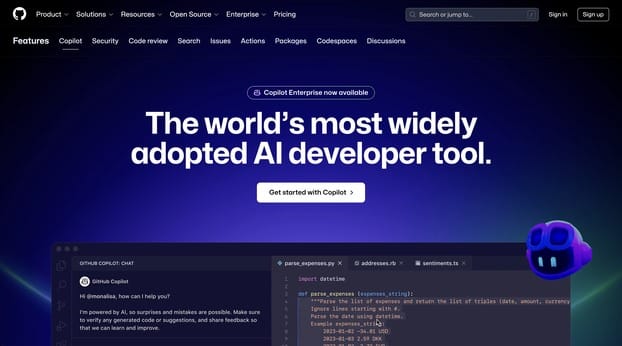
GitHub Copilot
GitHub is where people build software. More than 100 million people use GitHub to discover, fork, and contribute to over 420 million projects.
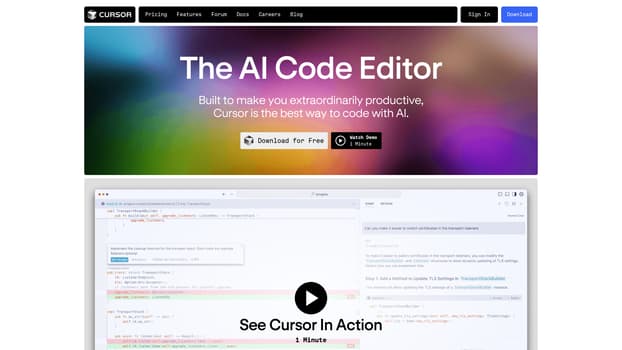
Cursor
The AI Code Editor, Built to make you extraordinarily productive, Cursor is the best way to code with AI.
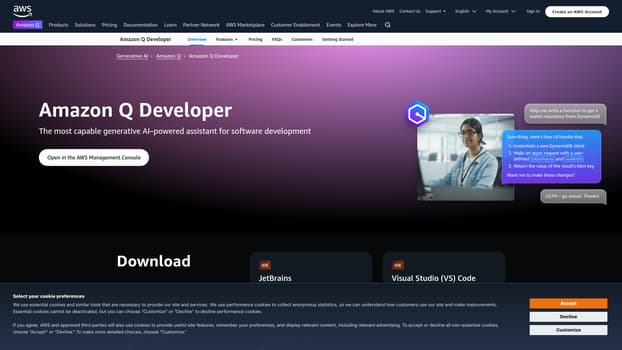
AI Coding Assistant
Amazon Q Developer is an expert on patterns in the AWS Well-Architected Framework, best practices, documentation, and solution implementations, making it easier and faster for you to explore new services and capabilities, learn unfamiliar technologies, and architect solutions.
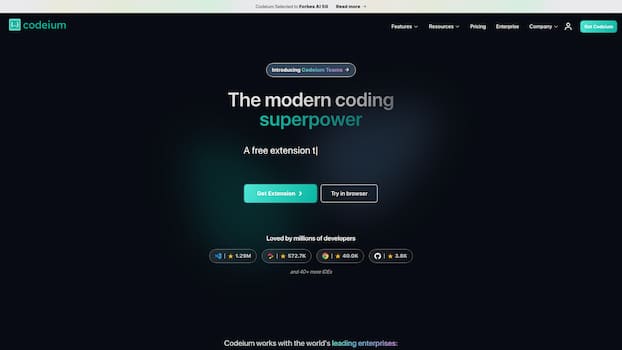
Codeium
Codeium offers best in class AI code completion, search, and chat — all for free. It supports over 70+ languages and integrates with your favorite IDEs, with lightning fast speeds and state-of-the-art suggestion quality.
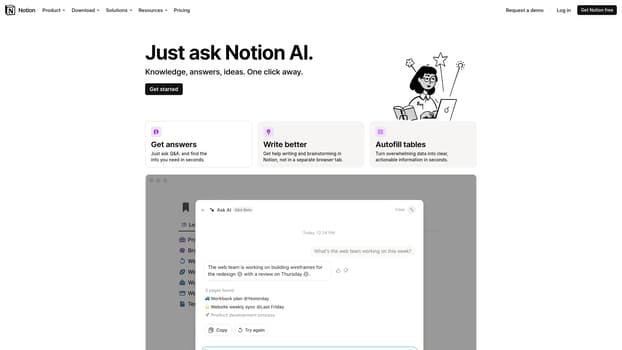
Notion AI
Get answers to your urgent questions, using info across your wiki, projects & docs.
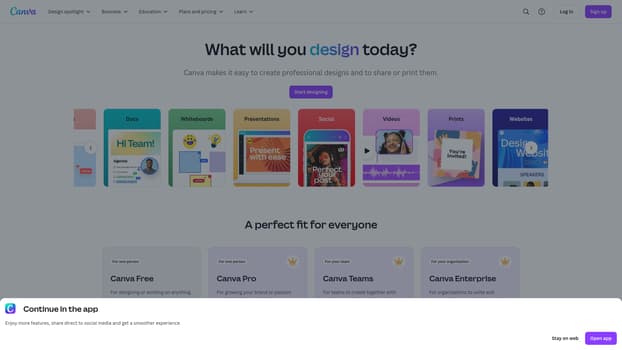
Canva
Canva is a free-to-use online graphic design tool. Use it to create social media posts, presentations, posters, videos, logos and more.
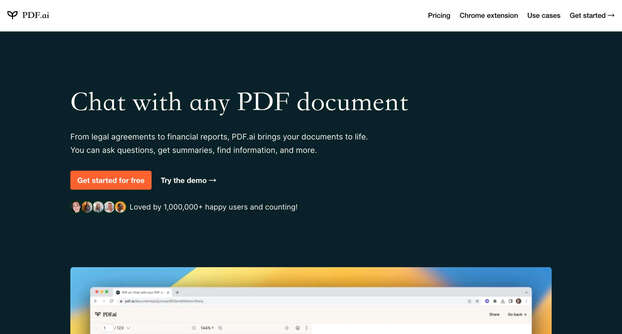
PDF.ai
We built the ultimate ChatPDF app that allows you to chat with any PDF: ask questions, get summaries, find anything you need!
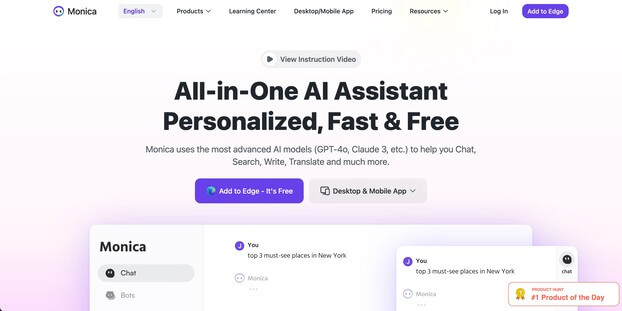
Monica
Monica integrates top AI models (GPT-4, Claude 3, Gemini) for one-click chat, search, writing, coding and more. Try it on Chrome, Edge, or our APP.
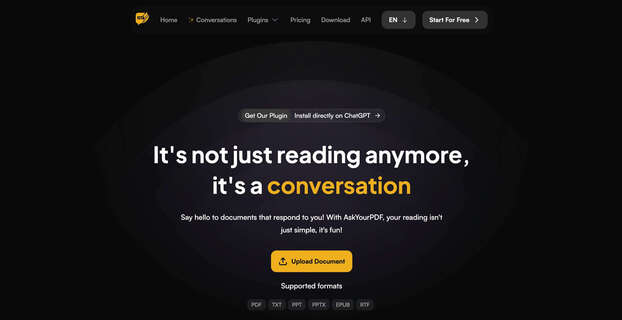
AskYourPDF
We built AskYourPDF as the only ChatPDF AI App you will ever need. Easily upload your PDF files and engage with our intelligent chat AI to extract valuable insights from your documents.